
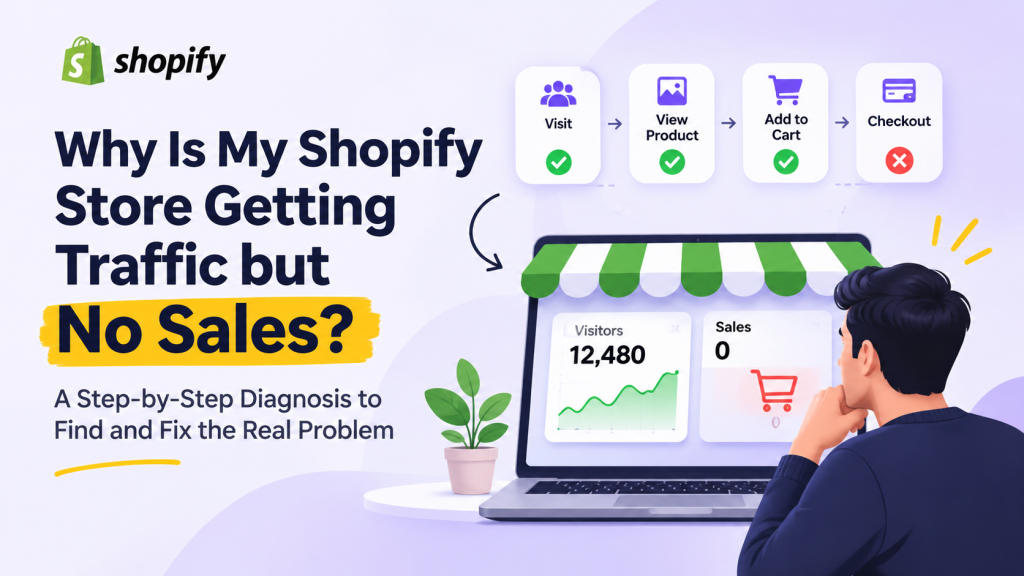
Getting visitors but not orders? More traffic may not be the answer. First, find where shoppers are dropping off, then fix the problem that your store data points to.
A Shopify store can attract visitors without making sales for several reasons: the traffic may not be relevant, product pages may not answer buyers’ questions, or shoppers may run into friction before checkout. The fastest way to investigate is to follow the customer journey instead of changing everything at once.
For a broader overview, see Shopify’s guide to diagnosing traffic but no sales .
1. Check whether the traffic is relevant
A visitor who is researching a topic may behave differently from someone searching for a product they are ready to buy. Review your traffic sources, landing pages, locations and devices. Make sure the message that brought someone to your store matches what they find on the page.
2. Find the leak in your Shopify sales funnel
Look at each step between a visit and a completed order. These patterns can help you decide where to investigate first:
| What you see | Where to investigate |
|---|---|
| Visitors, but few product views | Traffic relevance, landing page and navigation |
| Product views, but few add-to-carts | Product information, price, offer and trust |
| Add-to-carts, but few checkouts | Cart experience, shipping costs and unexpected fees |
| Checkouts, but few purchases | Payment options, delivery details and checkout errors |
Treat these as clues, not automatic diagnoses. Compare the funnel by traffic source and device before deciding what to change.
3. Review your Shopify analytics
Use your Shopify reports to compare sessions, product views, add-to-cart activity, reached checkouts and completed orders. The overall conversion rate is useful, but it may hide the step where shoppers are leaving.
4. Test the store on a real phone
- Open your store on a phone, not just a desktop preview.
- Find a product as if you were a first-time visitor.
- Check the product details, variants, delivery and return information.
- Add the product to your cart and continue toward checkout.
- Note anything confusing, slow, broken or unexpectedly expensive.
5. Fix the biggest problem first
- Traffic mismatch: improve targeting and make the landing page match the search or ad promise.
- Low add-to-cart activity: make product benefits, pricing, images and key details clearer.
- Cart drop-off: show shipping costs and other charges earlier.
- Checkout drop-off: test payment options, checkout errors and unnecessary steps.
- Mobile friction: fix issues on the actual mobile experience before focusing on desktop.
Avoid increasing ad spend, redesigning the entire store or adding more apps before you know which problem you are trying to solve.
When should you get a Shopify store audit?
If your store has relevant traffic but you cannot identify why shoppers leave, a structured review can help prioritize what to investigate. A useful audit should examine traffic sources, important landing pages, the purchase funnel and the mobile shopping experience.
Frequently asked questions
Why am I getting Shopify traffic but no sales?
Common causes include irrelevant traffic, unclear product information, low buyer confidence, unexpected costs or friction during checkout. Review your funnel data to find which issue is most likely.
What should I check first if visitors are not adding products to cart?
Start with traffic relevance and the product page. Check whether the page clearly explains the product, price, key benefits, delivery and returns.
Should I buy more traffic if my Shopify store is not converting?
Not before checking the quality of your current traffic and where shoppers drop off. More visitors may not help if the same problem is preventing purchases.